Arduino
Arduino is a microcontroller board and a programming environment designed so that a circuit can sense the world —light, distance, temperature, a key press— and respond to it: switch something on, move it, show a reading.
Each lesson has its own page, with the parts list, how it works, the wiring table, the annotated code and what to check when something doesn't respond. The glossary says, in two sentences, what each component does and how it connects.
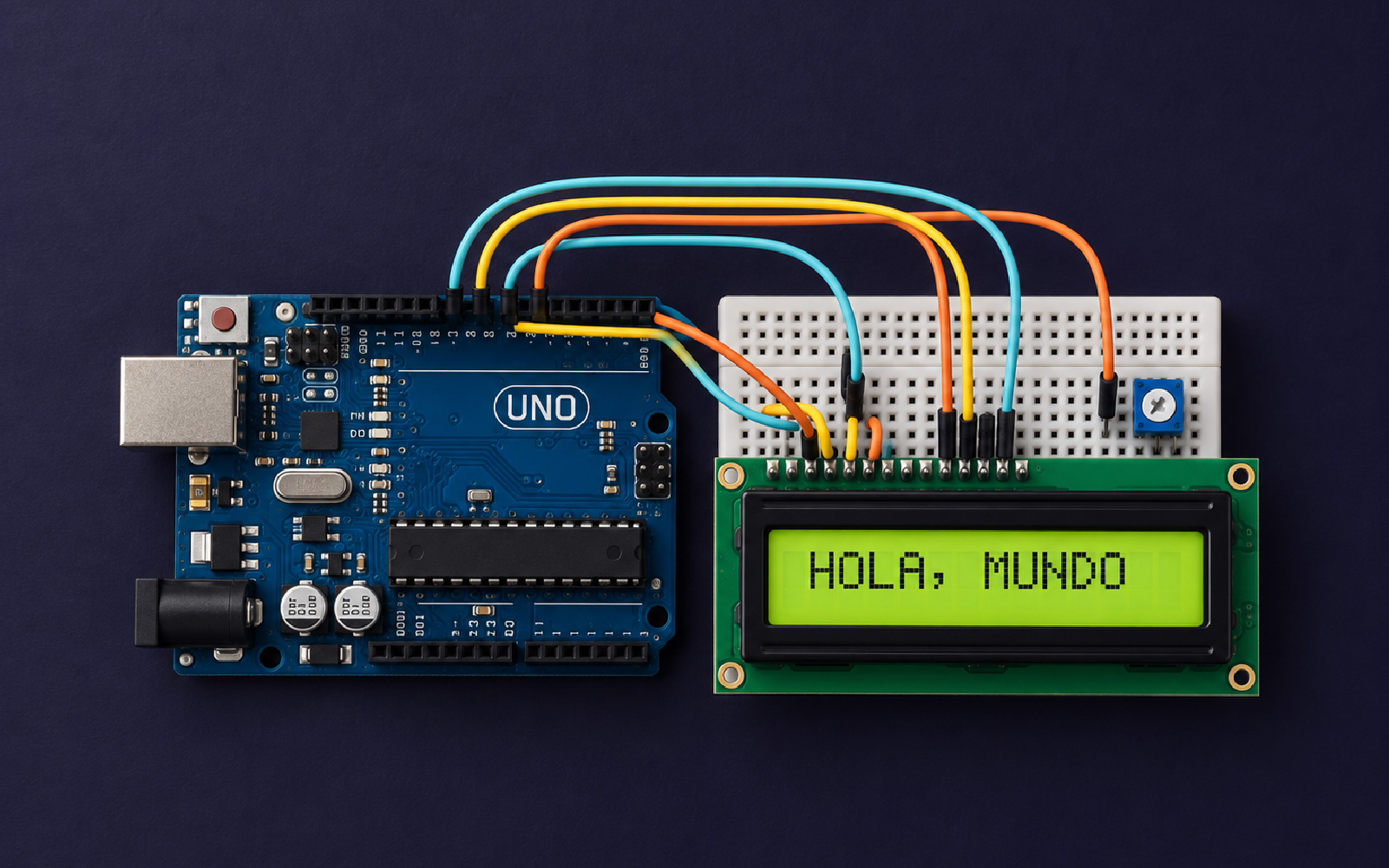
Roadmap
Before you start
- An Arduino Uno or compatible board, with its USB cable.
- The Arduino IDE installed. Lesson 1.1 explains how to get it ready.
- No programming or electronics background required. If you already know some C, C++ or JavaScript, you'll go faster.
- No board yet? Almost every lesson can be built in a simulator.
Component glossary
The essentials of each part: what it's for and how it connects. Every lesson links here to the components it uses.
Open the glossaryResources
- Arduino Documentation (opens in a new tab)
The official language reference, tutorials and each board's datasheet.
- Arduino IDE (opens in a new tab)
Download the official programming environment.
- Wokwi (opens in a new tab)
In-browser simulator: build the circuit and test the code without a board.